Buying training from an outline is a leap of faith. The topics look right, the length fits, but you only find out what the lab feels like when your team is already in it.
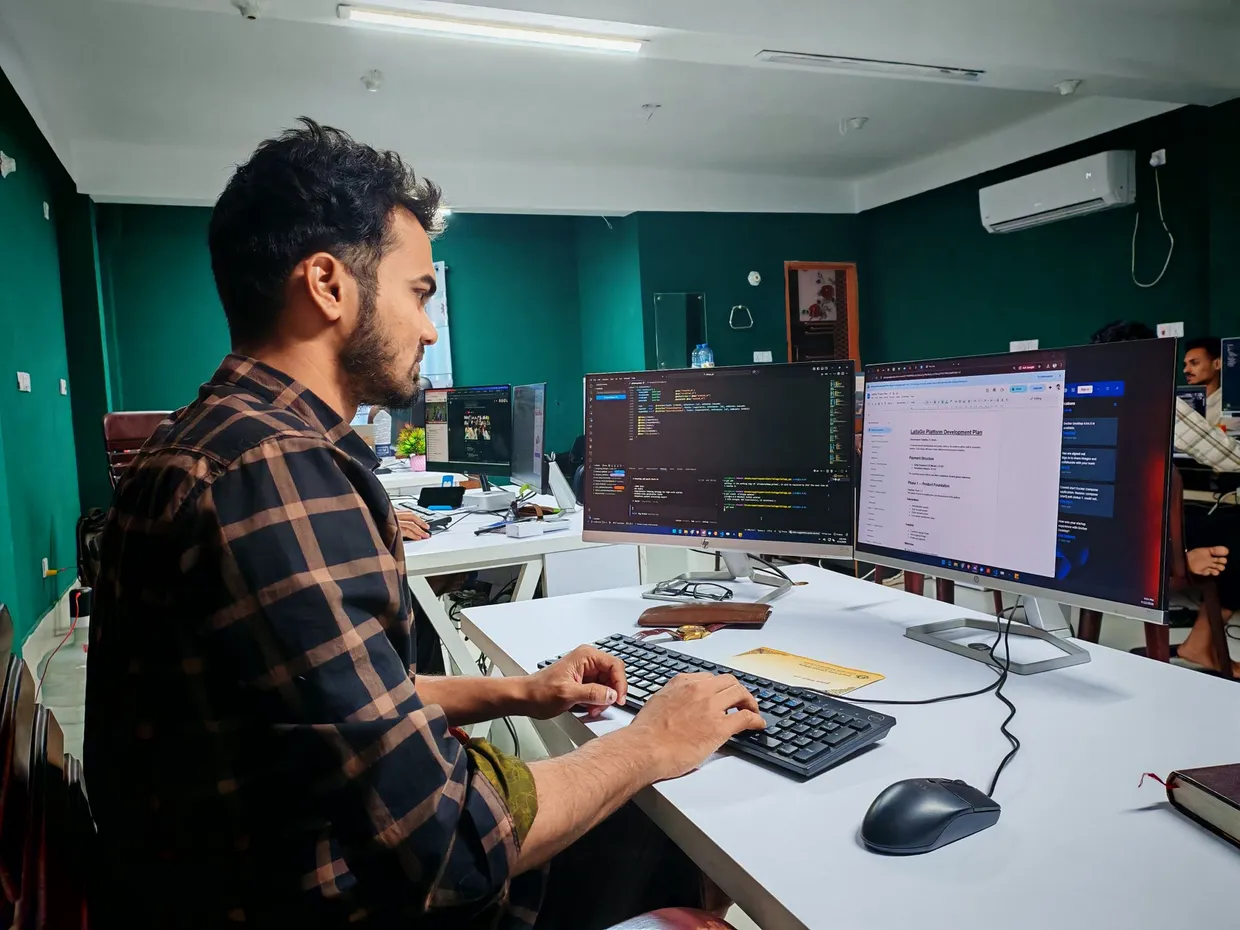
That is why every item in our Experience portal comes with a preview: the lab desktop and the lab guide side by side, the way a participant sees them.
What to look for in a preview
The first five minutes. Is it clear what to do first? A good lab gets people doing something real almost at once.
The guide. Are the steps written for your audience? Look for the right level of detail: enough to keep people moving, not so much that they stop thinking.
The milestones. Each milestone should end with something that works. If you cannot tell what success looks like, neither will your learners.
The length. Check the time on each milestone against the time you have. A one-day challenge and a five-day training need very different pacing.
From preview to plan
When an item fits, add it to your event plan. Set the seats and your event details, download the plan as a PDF and send it to us. We build, test and run the labs, including accounts, licences and the virtual lab environment for every participant.
Not sure where to start?
Ask the AI search in your own words, for example “one-day challenges on agents” or “a week of data training for analysts”. It finds matching courses, trainings and challenges, each with a preview you can open right away.