Readiness portal
Make sure lab day just works.
A 30-second check of a laptop and its network: sign-in, lab launch and how smooth the lab will feel. If anything is blocked, you get the exact fix to send to IT.
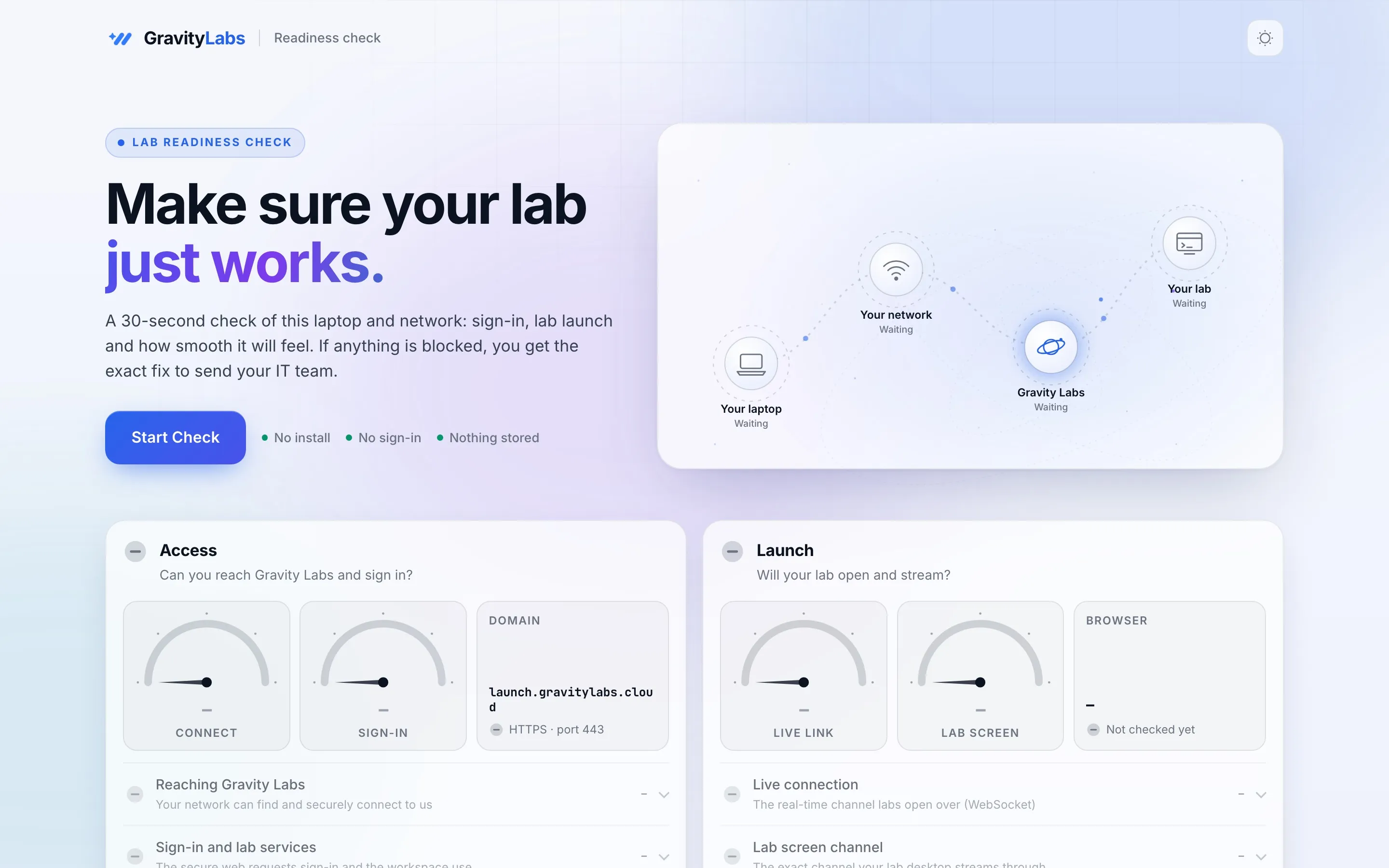
What it checks
Three questions, answered.
Access
Can this network reach Gravity Labs and sign in?
Launch
Will the lab open and stream to this browser?
Work smoothly
Is the connection fast and steady enough for a good session?
Built for IT
A fix list IT can act on.
When something is blocked, the report says what, where and how to fix it. Copy it, email it or save it as a PDF and send it straight to your network team.
- No install and no sign-in
- Nothing is stored about you
- Copy, email or PDF the result

FAQ
Questions people ask
Who should run the check?
Every participant, a few days before the event, on the laptop and network they will use. Organisers can share the link with their invites.
Does it need an account?
No. Open the page and press Start Check.
What if my company network blocks something?
The result names the blocked address and port and explains the fix, so your IT team can allow it before lab day.