The Gravity Labs platform
Build. Run. Guide. Prove.
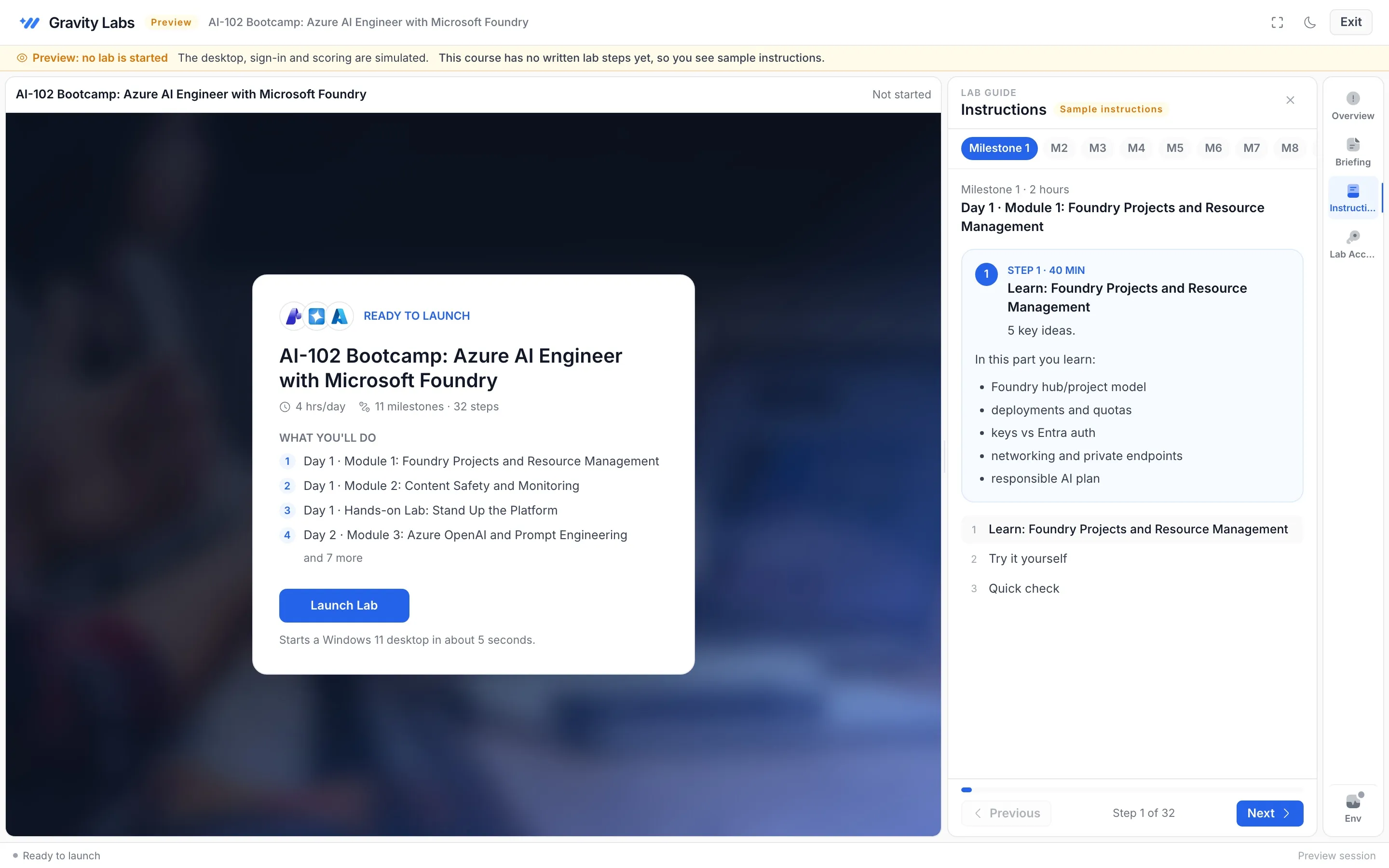
- 01
Build
Describe the lab. Agents draft the plan, image, steps and scorecard. You edit every block.
- 02
Run
Each person gets a real machine and their own accounts, in the browser, ready on time.
- 03
Guide
Proctor agents flag who is stuck. Shadow or Assist from the console.
- 04
Prove
Task-level checks, scorecards, leaderboards and a journey people want to finish.
Build
From one sentence to a ready lab.
GLAM, our agent mesh, plans the lab, picks the machine image, writes the steps and drafts the checks. Content is grounded in our proprietary MCP knowledge, so it is accurate and current.
- Lab Builder plans seats, time and machines
- Track Enricher writes cited, step-by-step instructions
- Scoring Engine drafts a check for every task
A 3-hour Kubernetes lab for 40 learners on Friday, scored.
- Lab Builder Plan ready: 3 milestones, 3 hours, 40 seats
- Image architect Golden image: Ubuntu 24.04, kubectl, kind, Helm
- Track Enricher 18 steps written, grounded in our MCP knowledge
- Scoring Engine Scorecard: 9 checks across 3 skill areas
- Inventory 40 lab accounts reserved for Friday 09:00
Track Studio
Edit every step, block by block.
Text, commands, code, tables, images, callouts and checks. Re-run the agents any time and your own edits stay. Publish once and running events never change under people.
- Twelve block types for real lab guides
- Re-enrich without losing your edits
- Published content is pinned for live events
Package the web app as a container image so it runs the same everywhere.
$ docker build -t web:1 . Keep the image small: start from an alpine base.
Image web:1 exists on the lab machine
Run
Real machines. Right in the browser.
Windows, Linux, containers, clouds and SaaS apps. Golden images and warm pools mean labs are ready when people sit down, and each person works in their own space.
- Nothing to install for learners
- Golden images built once, reused everywhere
- Warm pools for events, on demand for self-paced
- Lab guides in nine languages
learner@lab-07:~/web$ docker build -t web:1 .
[+] Building 12.4s (9/9) FINISHED
 => [1/4] FROM node:22-alpine
 => [2/4] COPY package*.json ./
 => [3/4] RUN npm ci
 => [4/4] COPY . .
 => naming to web:1  done
learner@lab-07:~/web$
Inventory
Accounts and licences, handled.
Multi-cloud inventory for every lab seat: identities, licences, cloud subscriptions and SaaS access, issued, rotated and returned automatically.
- Licence plan What each track needs
- Lab account One identity per person
- Licences Assigned automatically
- Access pass Time-boxed sign-in
- Rotation Renewed before expiry
- Clean-up Returned to the pool
Guide
Help people the moment they stall.
The proctor console shows every live lab. Proctor agents raise alerts, the Mentor agent nudges, and you can Shadow or Assist with one click.
Live proctoringapiVersion: apps/v1 kind: Deployment spec: replicas: 3 template: spec: containers: - image: web:1 ports: [8080]
Prove
Scores that are evidence.
The lab checks the real environment after every milestone. Scorecards weight skills the way you want, and leaderboards update live.
Scoring and JourneyMilestones
- Deployment has 3 ready replicas
- Service exposes port 8080
- Health endpoint returns 200
Scorecard
Weighted across 3 skill areas
- Configure 92
- Deploy 74
- Troubleshoot 61
Checked by the lab, never by AI
Under the hood
Built for the way organisations work.
Multi-tenant
Organisations, sub-orgs, per-organisation features and your own subdomain.
Private by design
One identity and one environment per person. Answers never reach the browser.
Plugs into your stack
LTI 1.3 for your LMS, a Launch API, single sign-on and MCP endpoints.
Reports that matter
Attendance, progress, scores and lab health for every event and track.
Made for every region
Lab guides translate into nine languages, so everyone learns in theirs.
Ready before lab day
The Readiness portal checks laptops and networks and writes the fix for IT.